Personally curated

Recommendations for AI and quality work

Books, online courses, tools and technology that I use myself or find professionally useful and recommend for a specific reason. This page is neither a shop nor an automated product or course ranking.

CURRENTLY RECOMMENDED

Books

Not a general ranking, but a traceable selection from my own work and continued learning.

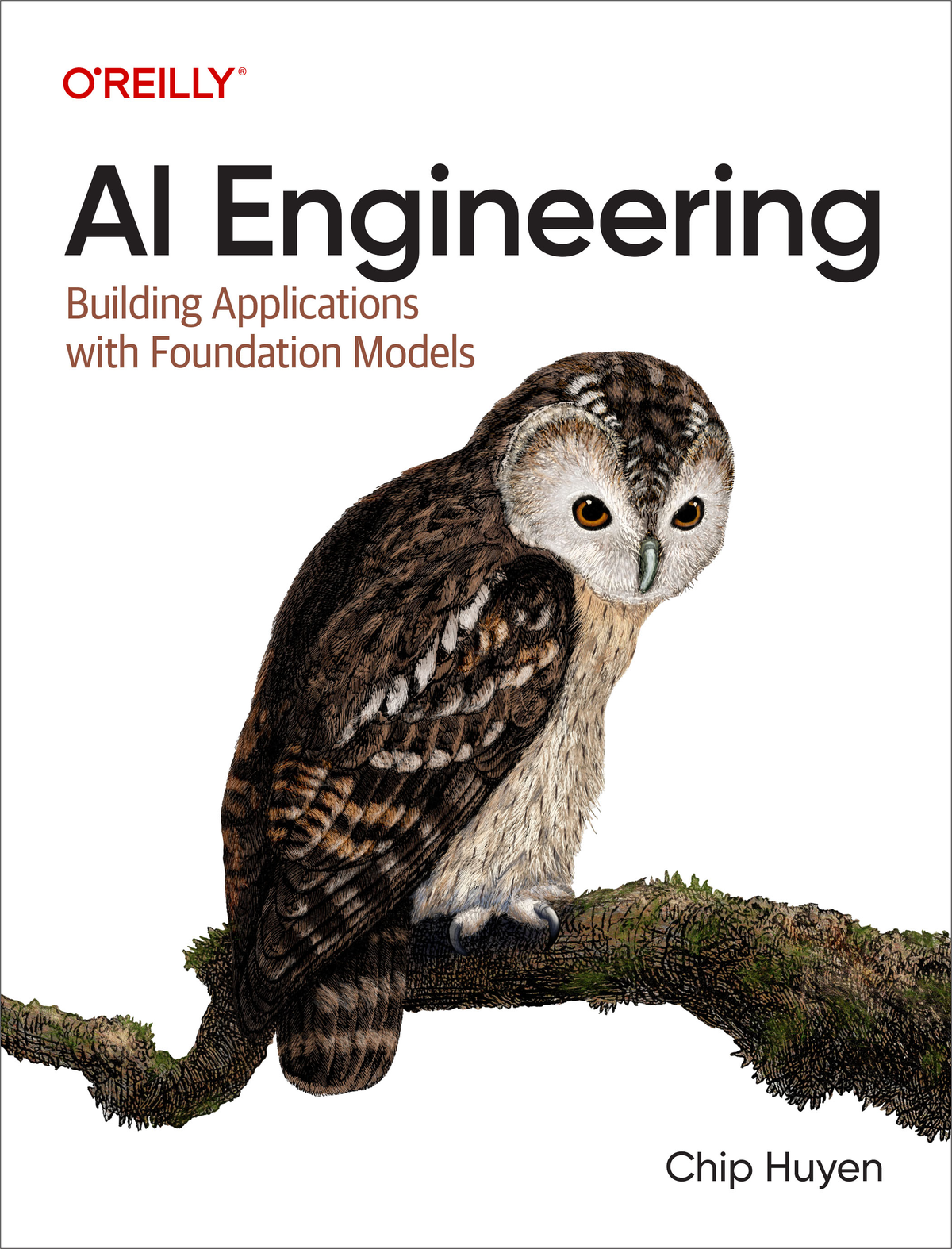
Book cover of AI Engineering by Chip Huyen
Image: O’Reilly Media

Books

AI Engineering

Building Applications with Foundation Models

Chip Huyen · O’Reilly Media · 2024

My assessment

The book connects application development with foundation models to evaluation, data, operations, cost and technical architecture. This combination of practical implementation and controllable quality makes it particularly relevant to my work on AI-supported processes.

Suitable for
AI engineers · software developers · technical product owners
Language
English
ISBN
978-1-098-16629-8

Advertising · affiliate link

PRACTICAL LEARNING

Online courses

Courses I have completed myself and whose value for getting started I assess from personal experience—without reproducing dynamic prices or ratings.

Course image for the Udemy Vibe Coding course with Arnold Oberleiter and symbols of various development tools
Image: Udemy

Online courses

Vibe Coding: Apps entwickeln mit Claude Code & Cursor AI

Hands-on development of AI apps and agents—from setup to deployment

Arnold Oberleiter · Udemy · German

My assessment

I completed this course myself. It helped me considerably to approach modern AI-assisted application development in a structured way. I found the end-to-end practical workflow particularly useful—from the development environment and context engineering to full-stack applications, agents, MCP, security and deployment. Its broad scope is helpful for getting started; additional sources are useful for in-depth expertise in individual technologies.

Focus
Claude Code · Cursor AI · Codex · MCP · full stack
Scope according to Udemy
77 lessons · about 10 hours (checked 21 Aug 2026)
Prerequisites
No prior knowledge required · step by step

Advertising · affiliate link

Course image showing a network of multiple illuminated digital agents
Image: Udemy

Online courses

KI-Agenten ohne Code: Multi-Agenten-System mit n8n & OpenAI

AI agents, automated workflows and a complete multi-agent system with n8n

Dan We · Udemy · German

My assessment

I completed this course myself. It helped me considerably when getting started with agent logic and n8n workflows without first having to write extensive code. I particularly appreciated the step-by-step progression from nodes and tools through document search and integrations to the final multi-agent system. For production use, potential API costs as well as the privacy and permissions of connected services should be reviewed separately.

Focus
n8n · OpenAI · document search · multi-agent system
Scope according to Udemy
37 lessons · about 5 hours (checked 21 Aug 2026)
Level
Beginner · no programming knowledge required

Advertising · affiliate link

Course image for the AI Coding Masterclass with Malte Gruner and symbols of various development tools
Image: Udemy

Online courses

(Neu) KI-Coding Masterclass: Cursor AI, Claude, ChatGPT & Co

Build web apps and SaaS prototypes with Cursor, Supabase, Next.js and Vercel

Malte Gruner · Udemy · German

My assessment

I completed this course myself and found it very helpful for getting started with AI-assisted web development. It moves from AI coding tools such as Cursor, Claude and ChatGPT to a working web application with authentication, a database and deployment. This made it tangible for me how an AI-generated draft becomes a structured project. The cloud services used require separate accounts and should be reviewed for cost, security and privacy before production use.

Focus
Cursor AI · Claude · Supabase · Next.js · Vercel
Scope according to Udemy
55 lessons · about 7 hours (checked 21 Aug 2026)
Level
All levels · also suitable without programming knowledge

Advertising · affiliate link

Yellow course image with the blue and yellow Python logo inside curly brackets
Image: Udemy

Online courses

Python Bootcamp: Vom Anfänger zum Profi, inkl. Data Science

Python fundamentals, object-oriented programming, automation and data science

Jannis Seemann · Udemy · German

My assessment

I completed this course myself. It gave me a solid Python foundation and made it much easier to move into data work, automation and later AI topics. I found the systematic progression from language fundamentals and object-oriented programming to NumPy, Pandas, machine learning and deep learning especially helpful. The course is very extensive, making it a thorough learning path rather than a quick overview.

Focus
Python · OOP · NumPy · Pandas · machine learning
Scope according to Udemy
325 lessons · about 31.5 hours (checked 21 Aug 2026)
Level
Beginner · no programming knowledge required

Advertising · affiliate link

Course image showing a stylised network of data, charts and digital tools
Image: Udemy

Online courses

Machine Learning von A-Z: Lerne Python & R für Data Science!

Regression, classification, clustering, NLP and deep learning with Python and R

Jannis Seemann · Udemy · German

My assessment

I completed this course myself. It helped me distinguish the main classes of machine-learning methods and better understand where each is useful. The many examples covering regression, classification, clustering, NLP and neural networks make model selection tangible, while parallel implementation in Python and R broadens the view of different tools. Additional sources are useful for mathematical depth and current production practices.

Focus
Regression · classification · clustering · NLP · deep learning
Scope according to Udemy
401 lessons · about 36 hours (checked 21 Aug 2026)
Level
Beginner · some programming experience is helpful

Advertising · affiliate link

FROM MY DAILY WORK

Technology & work tools

Devices I use myself and whose strengths and limitations I know from daily work.

Apple 15-inch MacBook Air with M5 in Silver
Image: Apple

Technology & work tools

Apple MacBook Air 15″ (M5)

24 GB unified memory · 1 TB SSD · Silver

Apple · 15.3-inch Liquid Retina display · 2026 model

My assessment

This MacBook Air is my daily work machine, and I genuinely enjoy using it. I particularly value its quiet, portable design, long battery life and the reliable combination of development environments, data work, automation and AI tools. This recommendation is based on my own use. A more powerful system would be the better choice for very large local models or sustained GPU-intensive workloads.

My configuration
M5 · 10-core CPU · 10-core GPU · 24 GB · 1 TB SSD
Use
AI engineering · development · research · automation
Display / colour
15.3-inch · Silver

Advertising · affiliate link

Open M4-generation Apple MacBook Pro in Space Black
Image: Apple

Technology & work tools

Apple MacBook Pro (M4 Pro)

Personally used for running local AI models

Apple · M4 Pro generation · 2024 model

My assessment

My own MacBook Pro uses an M4 Pro—not the M5 Pro in the linked Amazon listing. I particularly enjoy using it for local AI models. In my day-to-day work, smaller models with model files of up to roughly 15–16 GB run surprisingly well. This is personal experience, not a general performance promise: usable model size and speed depend on factors including unified memory, quantisation, context length and the software used. The affiliate link leads to the current M5 Pro successor, whose performance I am not assessing from personal use.

My device
MacBook Pro · M4 Pro · 2024 model
My AI use
smaller local models · model files up to roughly 15–16 GB
Affiliate destination
14.2-inch MacBook Pro · M5 Pro · 24 GB · 1 TB SSD

Advertising · affiliate link

Apple 13-inch iPad Pro in Space Black, front and rear view
Image: Apple

Technology & work tools

Apple iPad Pro 13″ (M5)

256 GB · Wi‑Fi · standard glass · Space Black

Apple · 13-inch Ultra Retina XDR display · M5 chip

My assessment

For me, the large iPad Pro is primarily a mobile workspace for research, literature, handwritten notes, reviews and presentations. Its tandem OLED display and support for Pencil and keyboard make it easy to move between reading, sketching and focused writing. It does not replace my MacBook as a full development machine; its strength lies in flexible, direct work with content.

Configuration
M5 · 9-core CPU · 10-core GPU · 12 GB · 256 GB
Display
13-inch tandem OLED · ProMotion · 2752 × 2064
Use
Research · notes · reviews · presentations

Advertising · affiliate link

Apple Pencil Pro in white
Image: Apple

Technology & work tools

Apple Pencil Pro

Precision stylus for compatible iPad models

Apple · magnetic pairing and charging · 19.15 g

My assessment

Apple Pencil Pro complements the iPad whenever a keyboard and trackpad are not the best input method: for handwritten notes, document mark-up and quick sketches. Pressure, barrel roll, double tap and haptic feedback make interaction precise and direct. Anyone who mainly uses an iPad for media consumption will benefit much less from these features.

Features
Squeeze · barrel roll · double tap · haptic feedback
Use
Notes · mark-up · sketches · ideation
Compatibility
including 13-inch iPad Pro (M4 and M5)

Advertising · affiliate link

Black Magic Keyboard with a 13-inch iPad Pro attached
Image: Apple

Technology & work tools

Magic Keyboard für 13″ iPad Pro

German keyboard layout · Black

Apple · haptic trackpad · 14-key function row

My assessment

Magic Keyboard turns iPad Pro into a compact writing and work station. Its large trackpad, function row and additional USB-C charging port are particularly useful for longer texts and structured document work. At the same time, the keyboard noticeably increases the weight and cost of the overall setup, so it makes most sense when the iPad is regularly used as a mobile work device.

Version
German · Black · backlit keys
Controls
haptic trackpad · 14-key function row
Compatibility
13-inch iPad Pro (M4 and M5)

Advertising · affiliate link